
How to Add Voice to a Next.js App
Adding a voice agent to a Next.js App Router project: where to mount the widget, how to wire voice navigation to the router, and keeping keys server-safe.
By Voxide
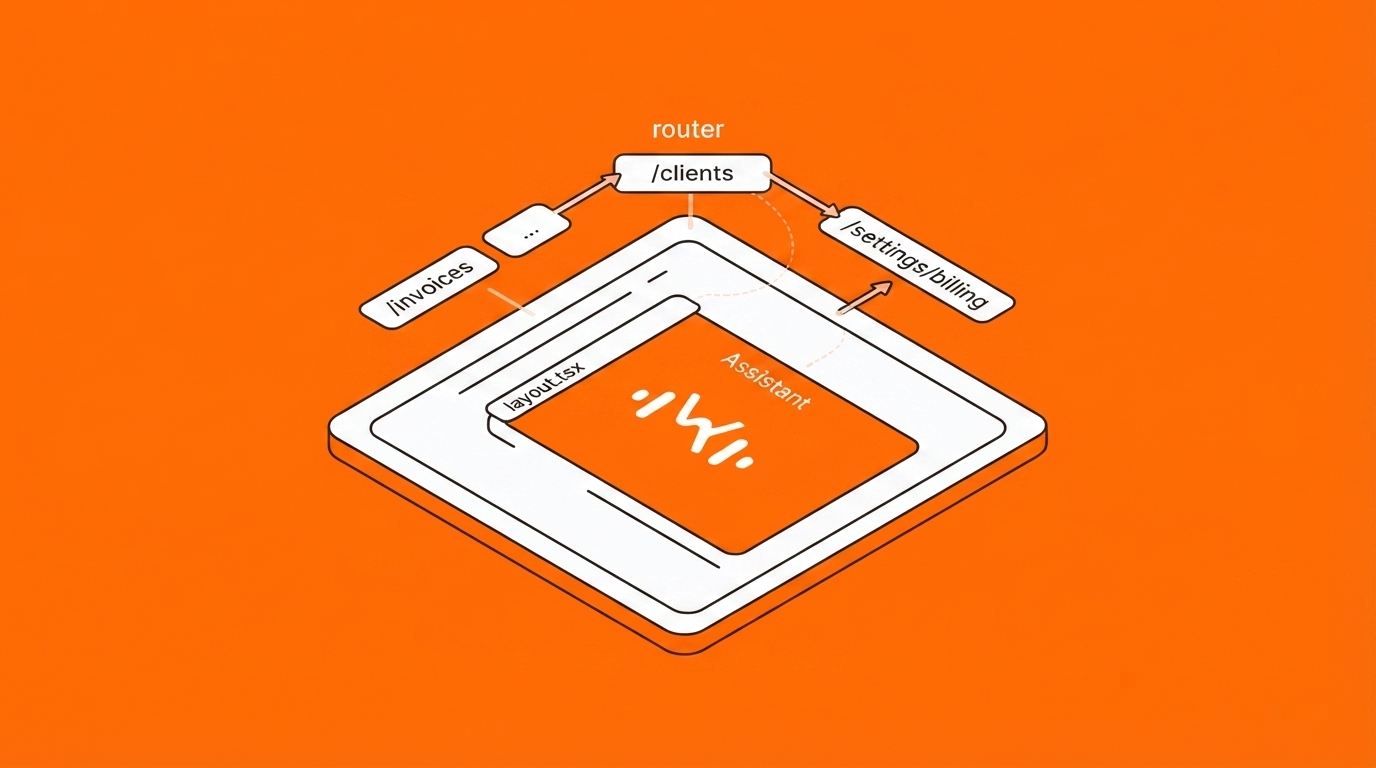
Next.js adds three wrinkles to a voice integration that plain React does not have: the server/client component split, a router the agent should be able to drive, and two different places people try to mount things. Here is the version that works.
Install
npm install @voxide/react@latest
The client-component boundary
VoxideClient touches the microphone and browser APIs, so it belongs in a Client Component. Create the client at module scope — not inside the component body, or you will get a fresh client on every render:
// components/Assistant.tsx
"use client";
import { VoxideClient, VoxideWidget } from "@voxide/react";

const ai = new VoxideClient({
  publicKey: process.env.NEXT_PUBLIC_VOXIDE_PUBLIC_KEY!,
});

ai.register({
  createInvoice: {
    description: "Create a draft invoice for a client.",
    params: {
      client: { type: "string", required: true },
      amount: { type: "number", required: true },
    },
    handler: async (args) => {
      const res = await fetch("/api/invoices", {
        method: "POST",
        body: JSON.stringify(args),
      });
      return res.json();
    },
  },
});

export function Assistant() {
  return <VoxideWidget client={ai} accentColor="#FF6600" />;
}
The NEXT_PUBLIC_ prefix is correct here. The publishable key is meant to ship in the browser bundle — it is locked to the domains you whitelist and never reaches the model provider directly. Your secret key is a different value and stays server-side.
Mount it in the root layout, not a page
This is the step most integrations get wrong:
// app/layout.tsx
import { Assistant } from "@/components/Assistant";

export default function RootLayout({ children }: { children: React.ReactNode }) {
  return (
    <html lang="en">
      <body>
        {children}
        <Assistant />
      </body>
    </html>
  );
}
A Server Component can render a Client Component, so this works even though layout.tsx has no "use client".
Put the widget on a page instead and it unmounts every time the user navigates — killing any call in progress. The root layout is the only component that survives every route change.
Wire the router so the agent can navigate
"use client";
import { useRouter } from "next/navigation";
import { useEffect } from "react";

export function Assistant() {
  const router = useRouter();

  useEffect(() => {
    ai.enableNavigation(router, [
      { path: "/invoices", description: "All invoices" },
      { path: "/clients",  description: "The client list" },
      { path: "/settings/billing", description: "Billing settings" },
    ]);
  }, [router]);

  return <VoxideWidget client={ai} />;
}
Pass your real routes. Without them the agent has to invent a path from what the user said, so "take me to billing settings" becomes /billingSettings and 404s. Given the list, it is constrained to paths that exist and refuses anything off-list.
Scope capabilities per route
Not every action makes sense everywhere. scope keeps the checkout actions out of the agent's reach on the marketing page:
ai.register({
  applyCoupon: {
    description: "Apply a discount code to the current order.",
    params: { code: { type: "string", required: true } },
    scope: "/checkout",       // or "/shop/*" for a subtree
    handler: async ({ code }) => applyCoupon(code),
  },
});
Then tell the SDK where the user is, on navigation:
const pathname = usePathname();
useEffect(() => { ai.setActiveRoute(pathname); }, [pathname]);
Pages Router
Everything above holds — mount the assistant in pages/_app.tsx instead of a root layout, and pass the next/router instance to enableNavigation.
Checklist before you ship
- Widget mounted in the root layout, exactly once
- Real routes passed to
enableNavigation - Production domain whitelisted in the dashboard (
localhostis automatic) - Destructive capabilities marked
dangerous: true - Anything a visitor might speak aloud that is personal marked
sensitive: true— see privacy and redaction
The full API surface lives in the documentation.